
Creators searching for "Seedance 2.0 character consistency," "AI video face swap," or "Seedance product distortion" usually already know how to generate — but get stuck when the same character does not look like the same person across shots, or e-commerce products change shape every generation. This article focuses on consistency workflows for Seedance and Seedance 2.0, and explains how to evaluate Seedance 2.5 when reference complexity scales up.
Related entry points: Seedance 2.0 · Seedance 2.5 · AI Video Generator. For the full beginner flow, see How to Use Seedance 2.0.
What Is "Consistency," and Why Does It Decide Whether Seedance Can Go Commercial?
In the Seedance 2.0 context, consistency is not "pretty frames" — it is a delivery standard: stable facial features and wardrobe for spokespeople in the same ad; packaging, Logo, and materials that do not drift in the same e-commerce hero video; characters that remain recognizable across shots in short-drama storyboards. If AI video generation only chases single-frame wow but cannot reproduce the subject, it is hard to enter real ad placement and client review.
- Character consistency: face shape, hairstyle, perceived age, and main clothing color stable across shots
- Product consistency: shape, proportions, brand colors, and key text/Logo areas not randomly altered
- Style consistency: lighting and color tone unified within the same piece (secondary priority, but still affects brand feel)
Why Is Seedance 2.0 Better for Consistency Than Pure Text Guesswork?
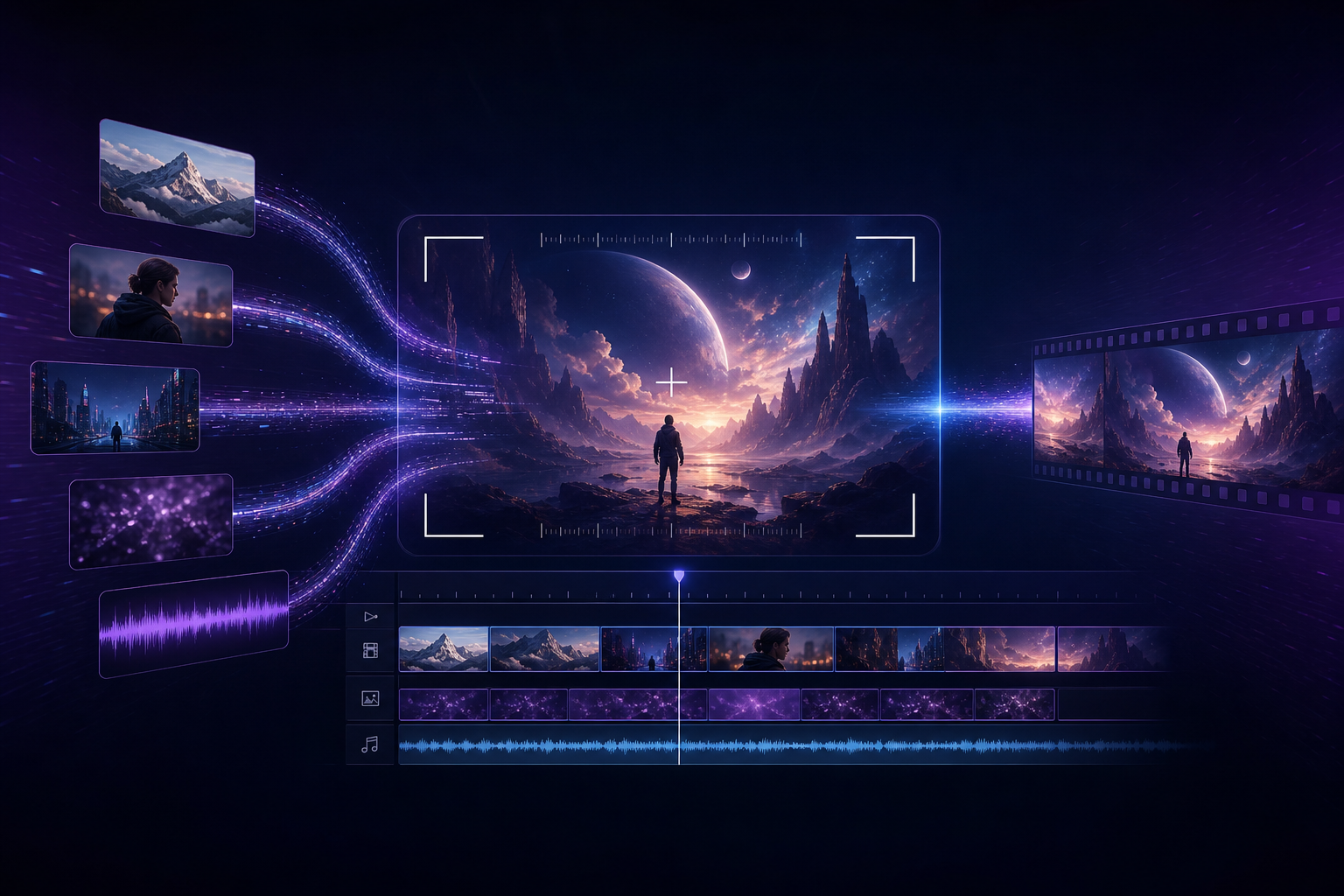
Seedance 2.0 director-style capability is built on multimodal references: use clear subject images to lock "who/what," and prompts to lock "how to shoot, move, and sound." This differs from "just write a paragraph of adjectives" — consistency's first responsibility is references, second is prompt constraints. Systematic methods pair well with the Multimodal Director Guide and Prompt Engineering.
Reference Image Strategy: The 80% Win Factor for Seedance Consistency
Character References: How to Choose Without "Face Swaps"
- Prefer clear front-facing or 3/4 profile shots of the same person, same hairstyle, same outfit
- Avoid heavy beauty filters, strong filters, or selfies that block facial features; Seedance 2.0 amplifies reference noise
- Start with only 1–2 subject images in v1; add action/scene references after stability is confirmed
- When multiple angles are needed, keep wardrobe and makeup consistent — do not mix in stills with completely different looks
Product References: Locking Shape for E-commerce and Brand Ads
- Use a high-resolution front product image as the main reference with as clean a background as possible
- When brand color is critical, add a color swatch or packaging close-up to reduce Seedance color drift
- For text Logo areas, explicitly write in prompts: "keep packaging text clear, do not rewrite brand name"
- Avoid stuffing conflicting competitor images or mood boards at once, which causes product "cross-contamination"
How Should Prompts Work with Seedance 2.0 to Lock the Subject?
Many people put all consistency burden on reference images, then write "switch to another person/package" in text. The correct approach: references handle identity, prompts handle framing and action, and explicitly state "keep the same character/product as the reference image."
- Weak phrasing: "A beautiful woman showcasing headphones" → identity not locked, Seedance easily re-samples faces
- Strong phrasing: "Strictly keep the same female character and same wireless headphone appearance as reference image 0; slow 360° rotation on white background, medium shot push to product close-up, soft commercial lighting, light electronic SFX"
- Five elements still apply: scene + action + camera movement + lighting + sound, but the subject must bind to the reference
Reproducible Seedance Consistency Workflow (6 Steps)
- Define this piece's "immutable elements": face/wardrobe, or product shape/packaging color
- Prepare 1 main reference + at most 1 auxiliary reference (style or close-up)
- Write subject-bound director prompts (include sound, leveraging Seedance native audio-video sync)
- After generation, review with the consistency checklist (see next section)
- Change only one variable per test: e.g., only camera movement, or only swap in a clearer front image
- Once the subject is stable, expand to multi-shot narrative; evaluate Seedance 2.5 for longer duration needs
Consistency Acceptance Checklist (Required After Generation)
- Do facial features/face shape clearly match the same person as the reference? (character pieces)
- Do main clothing color and cut drift? (character pieces)
- Are product silhouette, proportions, and material highlights still recognizable? (e-commerce pieces)
- Are Logo/packaging key text randomly altered or blurred into gibberish?
- When stitching multiple shots, does it feel like "episode 2 recast the lead"?
- Is audio-video roughly in sync, with no off-beat moments that break brand rhythm?
Three High-Consistency Seedance 2.0 Prompt Templates
Copy directly and replace bracketed content. More industry templates in the Industry Applications Guide.
- Spokesperson talking-head feel: "Strictly keep the same character as the reference image; shoulder-up close-up, slight nod and smile toward camera, shallow depth of field, soft light, very low ambient noise at talking-head pace, vertical 9:16"
- E-commerce rotation showcase: "Strictly keep the same [product name] appearance and packaging as the reference image; pure white background 360° slow spin, medium dolly in to Logo, commercial soft light, light electronic SFX"
- Short-drama over-shoulder: "Male and female leads each locked to their reference identity; sitting across in café, alternating over-shoulder, shallow DOF tungsten warm light, low-voice dialogue + espresso machine steam"
When Consistency Still Fails: Troubleshoot First, Then Consider Upgrading Generations
- Blurry/heavily filtered reference → swap in a clear original; often more effective than rewriting prompts ten times
- Too many conflicting references at once → reduce to 1–2 subject images
- Prompt asks for "outfit/face swap" fighting the reference → delete conflicting descriptions
- Need many character sheets, scene boards, and camera refs constrained together → evaluate Seedance 2.5 large-scale multimodal references
- Need half-minute continuous narrative with subject stable throughout → use the 2.0 vs 2.5 comparison to choose
Cost and Speed: How Do Mini / Fast Serve Consistency Projects?
Consistency projects usually need multiple trial rounds. Use Seedance 2.0 Mini to control trial cost and Seedance 2.0 Fast to speed preview loops; once the subject is locked, output delivery versions on standard Seedance 2.0 or Seedance 2.5.
Common Misconceptions
- Thinking writing "Seedance" in the prompt auto-locks faces — what truly locks faces is reference quality and constraint phrasing
- Using multiple influencer photos with different makeup as the same character reference
- Product images with complex backgrounds and reflective clutter, causing shape to be swallowed by the scene
- Generating continuously without the acceptance checklist — costs rise and learnings do not compound
- Jumping to Seedance 2.5 before creative is locked, burning high-tier quota on unlocked subjects
Next Steps
- Capability overview: Seedance 2.0 Landing Page
- Systematic onboarding: Complete Beginner Guide
- Topic hub: Seedance 2.0 Hub
- Competitor comparisons: vs Kling · vs Runway
Conclusion
Making Seedance 2.0 reliably commercial is not about "writing better adjectives" — it is about references locking identity + prompts binding the subject + checklist iteration. Get character and product consistency working first, then upgrade to Seedance 2.5 as projects require. Start now from Seedance 2.0 or AI Video Generation, and produce three comparable outputs in a row with the same main reference.