
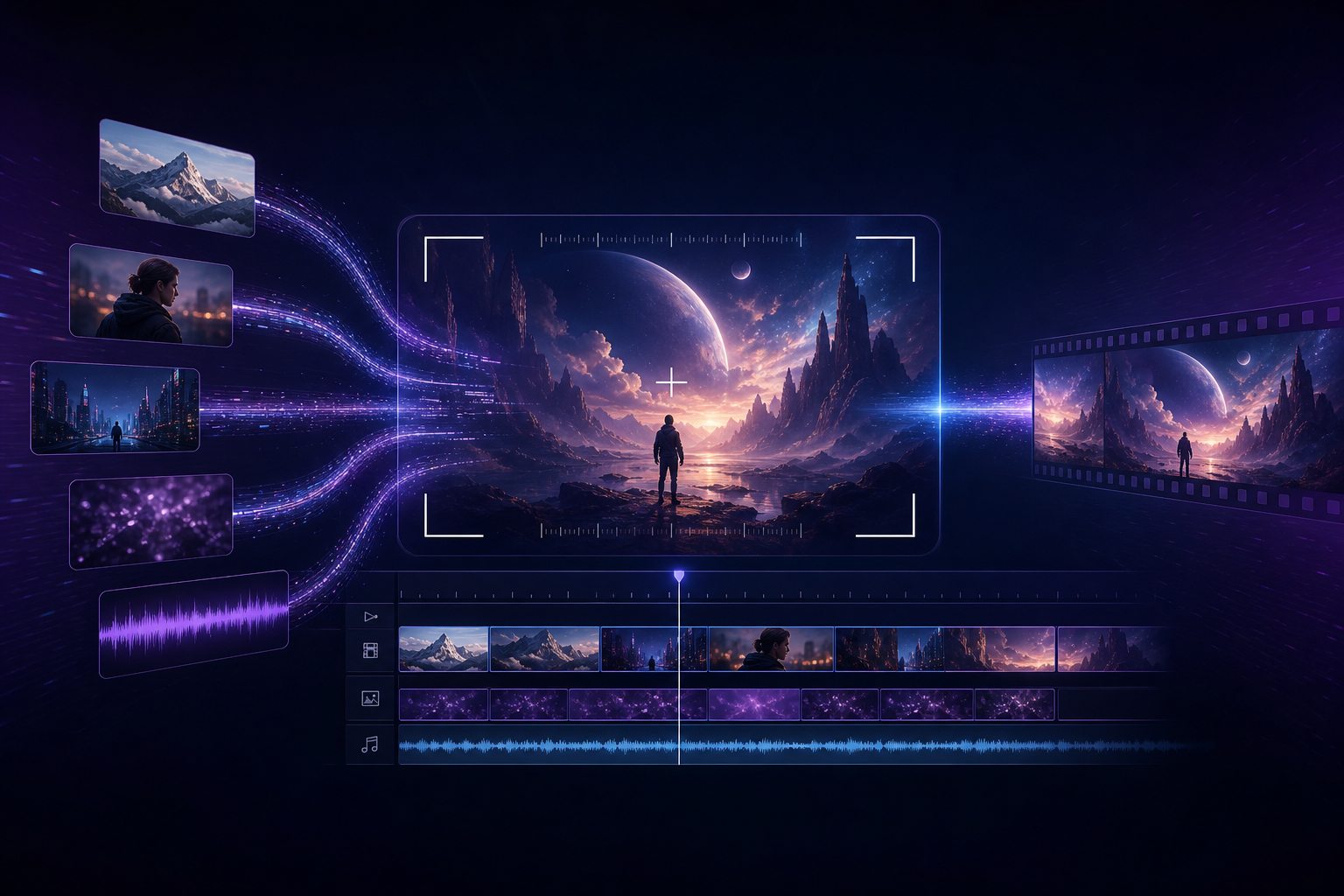
If you are searching for "how to use Seedance," "Seedance 2.0 tutorial," or "AI video generation for beginners," your goal is usually clear: use Seedance to produce your first short video that is presentable to clients or your team as quickly as possible — not stay stuck in random slot-machine generation. This article gives you a reproducible Seedance 2.0 beginner workflow and explains when to upgrade to Seedance 2.5.
Bookmark these product entry points: Seedance 2.0, Seedance 2.5, and AI Video Generator. For version differences, see the 2.0 vs 2.5 comparison guide.
Why Should Beginners Start with Seedance 2.0?
The core value of Seedance 2.0 is "director-style AI video generation": use multimodal references — images, video, and audio — to lock character and product identity, then control framing, camera movement, lighting, and sound with natural language while keeping native audio-video sync as consistent as possible. For e-commerce hero videos, feed ad creative testing, and short-drama storyboard previz, this matters more than a single flashy frame that cannot be reproduced.
- Seedance: the brand and product umbrella for the AI video creation toolchain
- Seedance 2.0: the main generation best suited for beginners to run a full workflow (including Mini / Fast cost and speed tiers)
- Seedance 2.5: longer native duration, larger-scale references, and higher delivery specs — ideal for half-minute storytelling and brand-grade final cuts
15-Minute Pre-Shoot Checklist
Most "Seedance 2.0 results look bad" cases are actually preparation gaps. Complete the four items below before generating to cut rework significantly.
- Define delivery specs: landscape 16:9 or vertical 9:16? Target length around 8–15 seconds or longer?
- Prepare subject reference images: 1–3 clear front-facing character or product shots with clean backgrounds
- Prepare style reference (optional): one lighting/color-tone reference — avoid stacking conflicting style images at once
- Write a one-line goal: e.g. "white-background headphones 360° showcase + light electronic SFX" or "café two-person dialogue over-the-shoulder shot"
Seedance 2.0 Five-Step Workflow (Reproducible)
Step 1: Sign in and enter Seedance creation
Sign in to the Seedance app through this site's entry point. Beginners should first close the loop with Seedance 2.0. If budget-sensitive, also review Seedance 2.0 Mini. If iteration speed is the bottleneck, see Seedance 2.0 Fast.
Step 2: Upload multimodal references (start small, add later)
Seedance 2.0 supports image, video, and audio references. Keep your first version restrained: prioritize "1 subject image + optional 1 style image," then add camera-movement video references or audio rhythm references once the subject is stable. See the multimodal director guide for the full method.
- Images: lock character identity, wardrobe, and product appearance
- Video: lock motion range and camera rhythm (add in version two)
- Audio: lock mood and beat timing (especially useful for voiceover and product demos)
Step 3: Write director-level prompts (five elements)
Write "Seedance prompts" as executable instructions, not adjective piles. Recommended structure: scene + action + camera + lighting + sound. Full templates in the Seedance 2.0 prompt engineering guide.
- Weak prompt: "make a nice product video" → the model lacks constraints; results stay unstable
- Strong prompt: "pure white background, wireless earbuds slowly rotating 360°, medium shot dolly in to logo close-up, soft commercial photography lighting, subtle electronic SFX, vertical 9:16"
- Principle: reference images define "what it looks like"; text defines "how to shoot, move, and sound"
Step 4: Review output with a checklist
- Is the subject still the same character/product (consistency)?
- Does camera movement match the prompt (push, pull, pan, track)?
- Is audio-video roughly in sync — any abrupt silence or off-beat moments?
- Any obvious limb distortion, garbled text, or brand color drift?
- Does it meet a "draft ready for review" bar before entering the edit timeline?
Step 5: Tweak prompts incrementally — do not start over
The most common Seedance 2.0 beginner waste: swapping to entirely new prompts after every failure. Change one variable at a time — e.g. only camera movement, or only a clearer subject image — then compare. That is how you build Seedance prompt assets that actually work for your project.
Three Copy-Paste Seedance 2.0 Scenario Templates
These templates weave keywords into executable descriptions so you can copy and replace bracketed placeholders. More industry scenarios in the industry applications guide.
- E-commerce hero: "pure white background, [product name] slowly rotating 360°, medium dolly in to logo close-up, soft commercial lighting, light electronic SFX, 15-second vertical"
- Feed ad: "city night shallow depth of field, [character setup] looks at camera smiling and nodding, shoulder close-up slowly pushing in, neon reflection highlights, upbeat rhythm SFX"
- Short-drama previz: "retro café, male and female leads seated across from each other, alternating over-the-shoulder shots, shallow depth of field, warm tungsten light, low-voice dialogue + espresso machine steam ambience"
When to Upgrade from Seedance 2.0 to Seedance 2.5?
Use Seedance 2.0 first to validate creative direction and subject consistency. Evaluate Seedance 2.5 when you need:
- Closer to half a minute of continuous native storytelling, not multi-clip stitching
- Many reference assets (character sheets, scene boards, camera boards, audio tracks) requiring larger-scale multimodal input
- Higher delivery requirements for resolution, color depth, and brand-grade grading headroom
- Clients explicitly want a "long-take one-shot" feel
Before upgrading, read the Seedance 2.5 landing page and 2.5 launch breakdown to avoid burning high-tier quota before your creative direction is locked.
Beginner Pitfalls: Five Habits That Hurt Seedance Results and Final Quality
- Text-only prompts with no subject reference while demanding "absolute character consistency"
- Stacking multiple style references that conflict with each other
- Prompts full of mood words but no camera or sound instructions
- Spamming generate without the checklist — costs rise while learning resets to zero
- Forcing every project onto Seedance 2.5 while ignoring 2.0 / Mini / Fast cost and speed advantages
Next Steps: Learning Path (Internal Link Map)
- Systematic intro: Seedance Complete Guide
- Prompt depth: Prompt Engineering
- Competitor comparisons: vs Kling, vs Runway
- Topic hub: Seedance 2.0 Hub
Conclusion: Drive Seedance with Workflow, Not Luck
Seedance 2.0 works well as the default AI video generation workbench: prepare references, write five-element prompts, review with a checklist, iterate in small steps. Move to Seedance 2.5 when you truly need longer duration and higher specs. Start now from Seedance 2.0 or the AI video generator entry and ship your first deliverable short.