
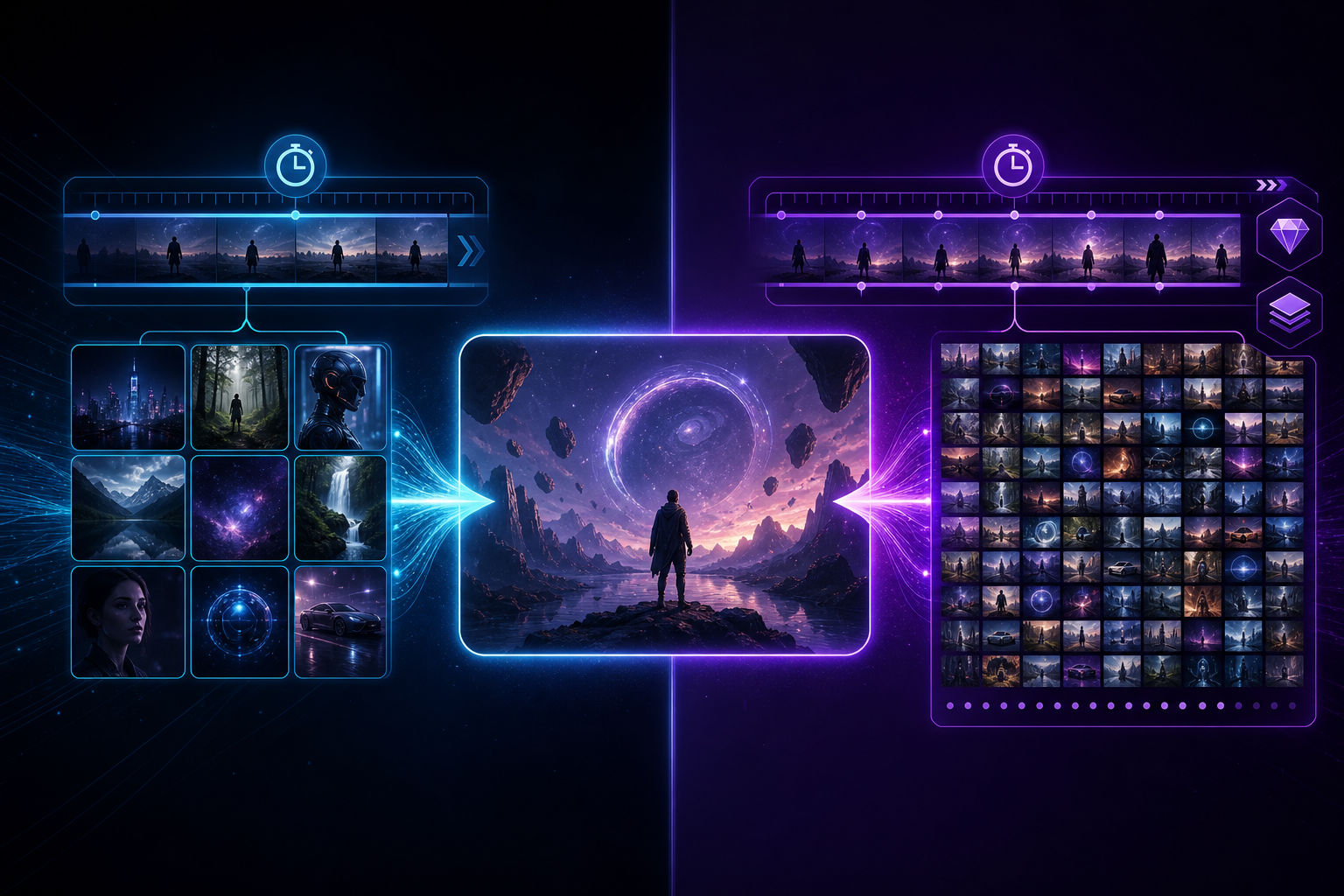
Seedance 2.0 Mini is the low-cost, high-availability tier in the Seedance 2.0 product line, built for individual creators, indie studios, and small and medium businesses. It is not a "stripped-down toy" — it keeps core capabilities such as multimodal references, director-level prompt control, and native audio-video sync, while friendlier billing and quotas help more people run a stable AI video workflow. If you are searching "what is Seedance 2.0 Mini," "Seedance Mini pricing," or "low-cost AI video generation," this article gives a clear definition and selection advice.
To see the full flagship capability map first, visit the Seedance 2.0 landing page; for a general AI video entry point, see AI Video Generator.
One-line definition: the cost-friendly branch of Seedance 2.0
Think of Seedance 2.0 as the "director-grade AI video generation" main line, while Seedance 2.0 Mini is the cost-optimized branch on the same generation of capabilities. Public information highlights Mini for individuals and SMBs, with API cost as low as about ¥0.5/second — ideal for high-frequency trial and error, batch output, and budget-sensitive scenarios. Unlike lightweight toys that only make short demos with no controllability, Mini still serves deliverable short video, ad testing, and e-commerce hero video production.
Which Seedance core capabilities does Mini keep?
- Multimodal references: text plus image / video / audio references to constrain characters, products, and camera language
- Director-style prompts: control output with scene, action, camera movement, lighting, and sound descriptions
- Native audio-video sync: picture and sound generated jointly on the model side, reducing hard post-sync
- Character and object consistency: keep identity, wardrobe, and product appearance stable across shots (depends on reference quality)
- Integrable workflows: suited to batch calls via API or app, embedded in existing content pipelines
Who is Mini best for? When should you choose it first?
- Individual creators / short-video teams: lots of A/B testing and style trials — each failed run should cost little
- SMB e-commerce and ad agencies: batch hero video, feed ads, and product demos
- Education and training: walk students through "prompt → reference → final clip" on a controlled budget
- Early product validation: validate ideas on Mini before upgrading to longer or higher-spec tiers (such as Seedance 2.5)
How does Mini differ from Seedance 2.0 / 2.5?
Compared with the flagship Seedance 2.0 experience: Mini emphasizes cost and throughput — best for "high volume, fast iteration." When you need longer narrative units, higher-spec references, and delivery-grade image quality, evaluate full Seedance 2.0 and read the 2.0 vs 2.5 comparison guide.
Compared with Seedance 2.5: 2.5 targets native longer duration (e.g. ~30 seconds per run), larger multimodal reference scale, and professional delivery metrics (4K, bit depth, and related directions). If you need half-minute continuous narrative and brand-grade color space, start with Seedance 2.5; if you are doing 15-second testing and API batching today, Mini / 2.0 is often the better value.
Getting started: run your first deliverable short with Mini
- Prepare 1–3 clear reference images of character or product; avoid cluttered backgrounds
- Write prompts with five elements: scene + action + camera + lighting + sound
- Generate 1–2 short clips to verify consistency, then scale batch output
- For structured learning, read the Seedance complete getting-started guide and the prompt engineering guide
Common misconceptions
- "Mini = not for commercial use": Mini is cost-friendly positioning, not a ban on commercial short video; licensing and quotas follow actual product terms.
- "Mini has no multimodal": Mini still serves the Seedance director workflow; the gap is mainly cost and spec tier, not "text-only luck."
- "Mini replaces 2.5": when duration, reference scale, and delivery quality requirements rise, upgrade to the right generation instead of forcing Mini into every scenario.
Conclusion: when should you choose Seedance 2.0 Mini?
When you need repeatable, batchable, budget-controlled AI video capacity while keeping director-level control and multimodal references, Seedance 2.0 Mini is a practical entry point. Next step: start shooting in the Seedance app, or explore the full capability matrix from the Seedance 2.0 / AI video generation landing pages, then pick Mini, 2.0, or 2.5 by project spec.