
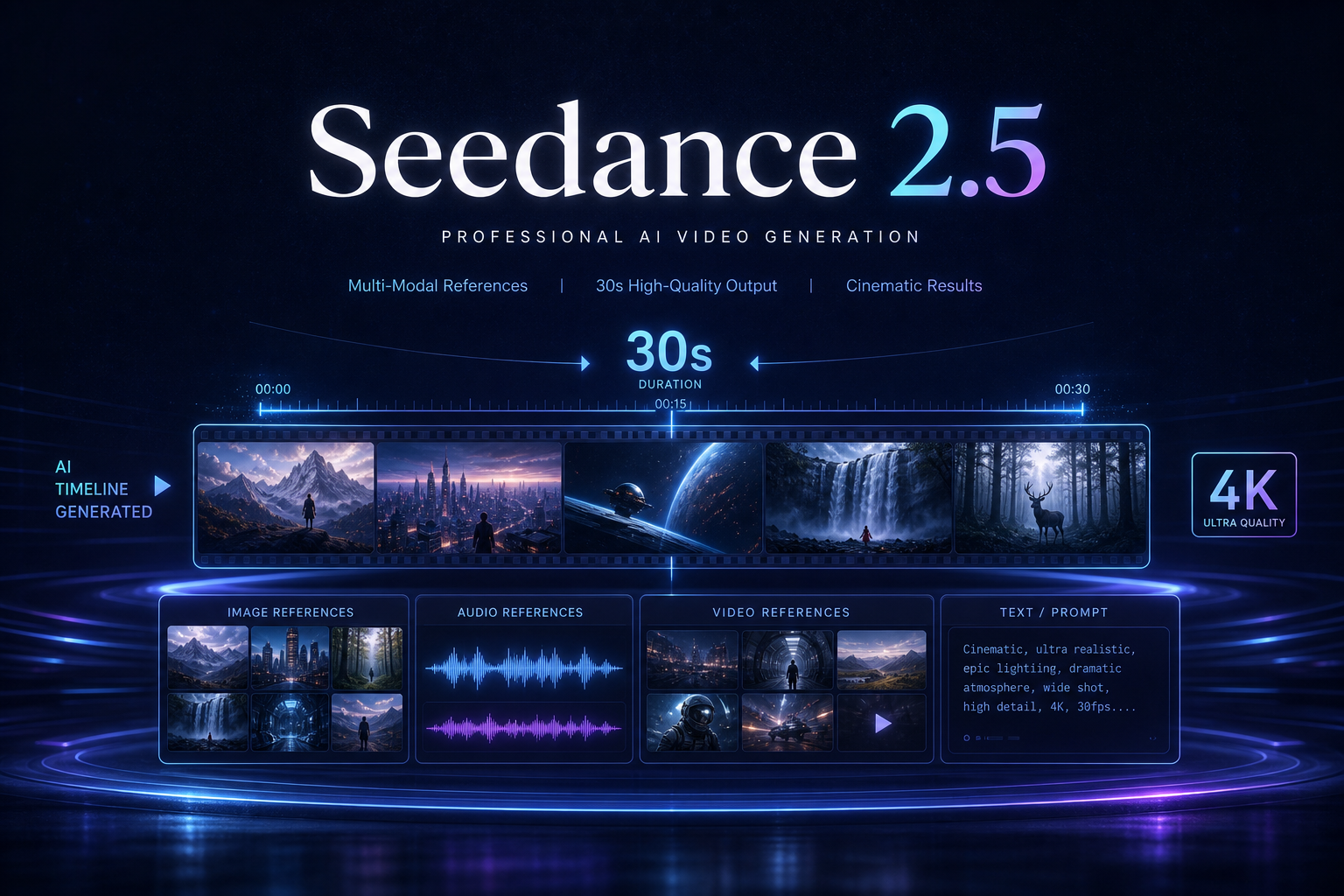
Seedance 2.0 Fast is the Seedance 2.0 direction that emphasizes faster output and faster iteration: creators want to shorten the loop of "write prompt → wait for result → revise prompt" while keeping multimodal references and director control. Users searching "what is Seedance 2.0 Fast" or "Seedance Fast mode" usually care about speed, quality trade-offs, and fit — below is a product-selection walkthrough.
See core product capabilities on Seedance 2.0; if low-cost batch matters more, read What Is Seedance 2.0 Mini first.
What problem does Fast solve?
In professional AI video workflows, time is often spent not on the first generation but on repeated prompt edits, reference swaps, and client feedback alignment. The Fast orientation delivers reviewable clips with shorter waits in early creative stages, saving budget for later polish or higher-spec output. It fits speed-first steps such as feed ad multi-version testing, short-drama storyboard previz, and rapid e-commerce hero video color or scene swaps.
How do you balance Fast vs "high quality, slower generation"?
- Creative exploration: prioritize Fast to quickly reject bad framing and camera moves
- Client review: use Fast for multiple versions to compare, reducing empty meeting time
- Final delivery: switch to higher-spec tiers (full 2.0 experience or Seedance 2.5) to lock image quality and duration
- Batch production: combine with Mini — Fast locks layout, Mini/API scales volume
Typical use cases
- Ad agency testing: 5–10 different camera languages for the same selling point, first pass filtered same day
- Short-video account ops: trend response needs hour-level turnaround, not overnight delivery
- Director / producer previz: use AI to validate storyboard feasibility before live action or refined generation
- Product design review: explain motion and unboxing with video instead of static frames
How to embed Fast in a Seedance workflow?
Use a two-stage "fast then slow" flow: start with Fast plus lean references to validate subject and camera; once direction is set, add full multimodal references and complete five-element prompts for delivery-grade output. Prompt structure still recommends scene, action, camera, lighting, and sound; keep subjects clear in reference images. Systematic methods are in the Seedance 2.0 prompt engineering guide and multimodal director guide.
Fast vs Mini vs 2.5: how to choose?
- Choose Fast: iteration speed is the bottleneck — you need quick previews and multi-version comparison
- Choose Mini: unit cost and batch throughput are the bottleneck — you need steady long-term capacity
- Choose 2.5: single-run duration, reference scale, and pro image quality are the bottleneck — see Seedance 2.5 landing page
- Not sure: start from the AI video generation entry, then read the comparison guide
Conclusion
The keyword for Seedance 2.0 Fast is faster closed loop: measure trial-and-error cost in time as well as money for director-style AI video creation. Use it for exploration and testing; reserve high-spec generation for final delivery — you get both speed and quality. Start shooting in Seedance now, or begin systematically from Seedance 2.0.