
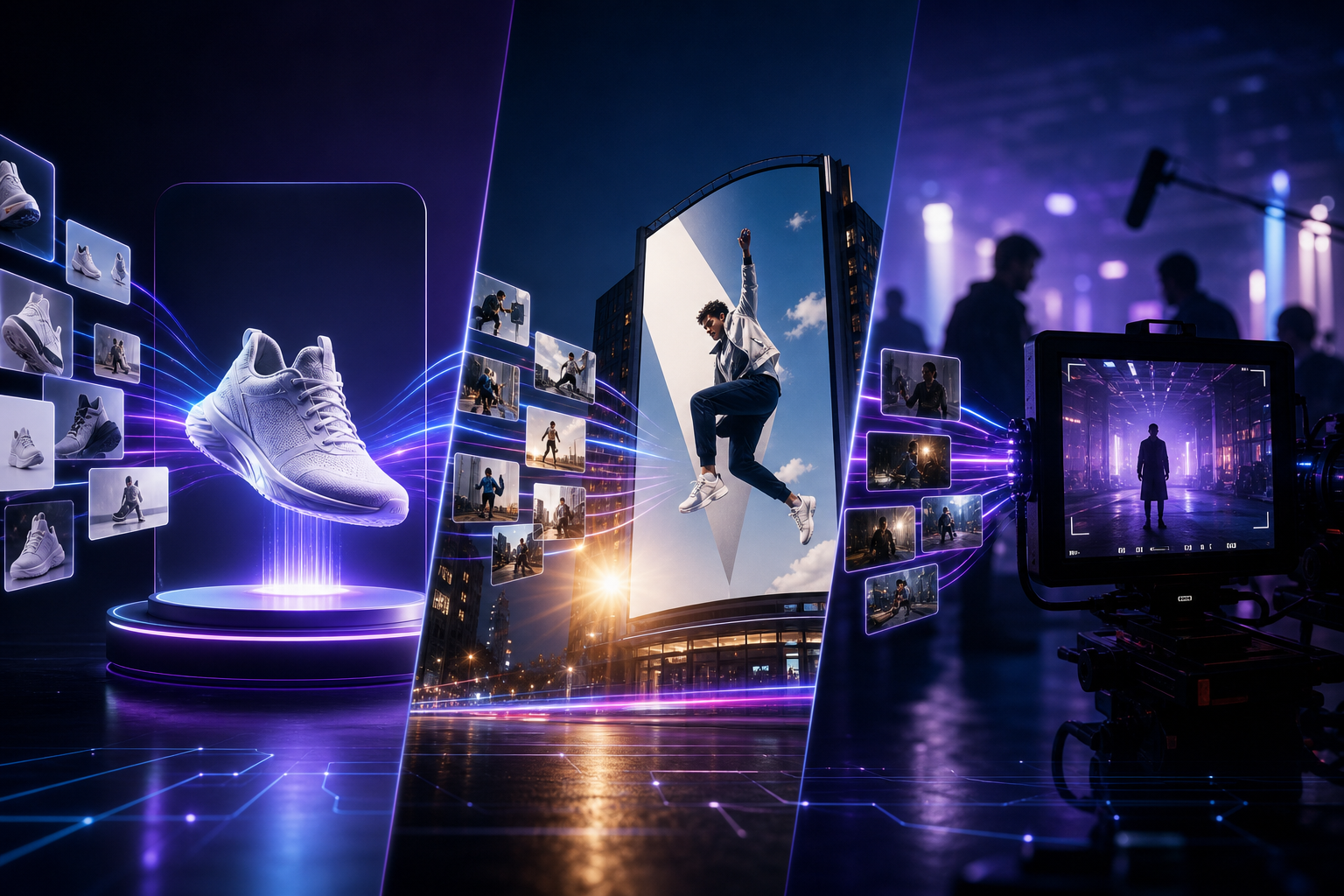
As more users search for "how to use Seedance 2.0," "AI video generation e-commerce," "AI advertising video," and "short drama AI production," the real differentiator is no longer "can it generate video" but whether it can reliably deliver usable finished clips in a specific industry. With multimodal reference (9 images + 3 videos + 3 audio), director-level camera control, and native audio-video sync, Seedance 2.0 has become the AI video generation platform of choice for e-commerce operators, advertising creative teams, and film/TV short-drama producers in 2026. This article provides an immediately reusable Seedance 2.0 implementation guide across the three high-frequency scenarios of e-commerce, advertising marketing, and film/TV short drama.
Why Are E-Commerce, Advertising, and Short Drama Teams Using Seedance 2.0?
All three industries share a common pain point: high video demand, fast iteration cycles, and hard requirements for "style consistency + character/product consistency + audio-video sync" — while traditional shooting and post-production costs remain steep. Seedance 2.0's reference-driven creation resolves this tension: upload product images, brand visual guidelines, camera-movement reference clips, and BGM, and the model outputs a 15-second multi-shot audio-video clip in about 60 seconds, with support for video extension and editing. Compared to generic AI video tools, Seedance 2.0 is better suited for commercial delivery across three dimensions — controllability, consistency, and native sound — which is why "Seedance 2.0 industry applications" has become a high-frequency search term.
Scenario 1: E-Commerce — Product Videos and Conversion Rate Optimization
The core goal in e-commerce is to bring static product images to life while maintaining consistent brand tone across hero videos, product detail pages, and feed ads. Seedance 2.0 supports using SKU white-background shots, lifestyle scene images, and material close-ups simultaneously as multimodal references to generate 360° rotation showcases, usage-scenario demos, unboxing texture shots, and other dynamic content — without setting up a physical photo studio.
- Hero product video: Upload 3–5 product images from different angles + 1 desired camera-movement reference clip; Seedance 2.0 generates a 15-second vertical or horizontal hero video optimized for Taobao, JD.com, and TikTok Shop
- Dynamic product detail page: Use a scene mood board + product image references to generate lifestyle shorts showing "the product in real-world use"
- SKU batch output: Build unified prompt templates and reference asset standards, then batch-generate hundreds of SKU videos via the Seedance API — Seedance 2.0 Mini at approximately $0.07/sec keeps marginal costs manageable
- Promotional A/B testing: Pair the same product images with different BGM, camera movements, and copy pacing to quickly produce multiple asset variants for click-through rate testing
- Cross-border multilingual: Native audio-video sync lets talking-head sales videos be generated in one pass with ambient sound and action sound effects in Seedance 2.0, reducing post-production alignment work
Seedance 2.0 Practical Tips for E-Commerce Teams
E-commerce prompts should follow a five-element structure: product + scene + camera movement + lighting + sound effects. Example: "Wireless earbuds slowly rotating 360° on a white background, medium shot pushing in to a close-up of the product logo, soft commercial photography style, subtle electronic sound effects and ambient white noise." Always upload a high-resolution front-facing product image as the primary reference to prevent Seedance 2.0 from drifting on product details due to blurry references. For major promotional campaigns requiring consistent brand colors, include a VI color palette screenshot in the reference images to significantly improve tonal consistency across finished clips.
Scenario 2: Advertising Marketing — Creative Iteration and A/B Testing
Behind searches for "Seedance advertising video" and "AI creative testing" lies a core advertising industry need: creative teams must produce multiple concept reels in extremely short timeframes for client pitch comparisons and campaign testing. Seedance 2.0's director-level camera terminology (push, pull, pan, track, aerial, low angle, etc.) can be written directly into prompts; combined with mood board reference images, AEs and creative directors can generate previz approaching final quality during the brief stage — dramatically compressing the timeline from concept to sample reel.
- Brand TVC concept preview: Upload KV key visual + camera-movement reference clip; Seedance 2.0 generates a 15-second concept reel for client direction approval
- Feed ad batch assets: Under the same brief, adjust camera movement, color tone, and BGM references to quickly produce 10+ A/B test asset variants
- Holiday marketing campaigns: Reference holiday visual elements, product images, and brand typography mood boards simultaneously to maintain visual consistency across all channels
- Automotive / consumer electronics / beauty: Complex materials (metal reflections, glass, skin texture) can be enhanced in Seedance 2.0 through close-up reference images + side-lighting descriptions
- Talking-head + ambient sound ads: Leverage native audio-video sync to generate finished clips with action sound effects and background atmosphere in one pass, reducing audio post-production
Standard Seedance 2.0 Workflow for Advertising Creatives
- Collect the brief: target audience, core selling points, duration specs (15 sec / 30 sec), aspect ratio
- Build a mood board: brand colors, reference ad clips, product/spokesperson assets — upload to Seedance 2.0 multimodal references
- Write director-level prompts: specify shot size, camera movement, lighting, and mood for each shot
- Generate 3–5 Seedance 2.0 sample reels in the first round for internal review and selection
- Fine-tune prompts or swap reference assets, iterating until client-acceptable quality is reached
- After approval, extend duration via Seedance extend/edit features, or export into your existing editing pipeline
Scenario 3: Film/TV Short Drama — Previz and Character Consistency
Film/TV short drama and micro-drama production demands extremely high cross-shot character consistency and multi-shot storytelling. Seedance 2.0 supports uploading character design sheets (front, side, expressions) as references, maintaining stable faces and wardrobe across 15-second multi-shot outputs — ideal for storyboard previz, investor pitches, and pre-shoot previz. Independent creators and MCNs searching "Seedance short drama" and "AI storyboard preview" are using Seedance 2.0 to compress the script-to-visualization cycle from days to hours.
- Storyboard previz: Generate Seedance 2.0 preview clips shot-by-shot from the script breakdown, confirming composition and camera movement before live shooting
- Character consistency testing: Lock character reference images, generate multi-scene multi-shot clips, and validate Seedance 2.0 cross-frame stability
- Action sequence preview: Upload martial arts/dance reference videos; Seedance 2.0 generates coherent action following physical laws
- Audio-video sync short drama: Dialogue scenes can pair with audio references, using native sync to reduce lip-sync post-production work
- Serialized content: Build character and scene asset libraries, reusing reference assets each episode to maintain series visual consistency
Seedance 2.0 Storyboard Workflow for Short Drama Directors
We recommend a four-step approach: scene → shot → generate → assemble. First, break the script into scenes and upload corresponding scene mood boards and character images for each; write a five-element prompt for each individual shot and generate in Seedance 2.0; once approved, use the extend feature to connect to the next scene; finally export into editing software for subtitles and color grading. For vertical short drama, specify "9:16 vertical composition, medium close-up dominant, shallow depth of field" in prompts — Seedance 2.0 reliably outputs mobile-friendly frames.
Three-Scenario Capability Comparison: How to Use Seedance 2.0
- E-commerce: Core references = multi-angle product images + brand color palette; Core metrics = click-through rate, conversion rate; Recommended duration = 15-second vertical hero video
- Advertising: Core references = mood board + camera-movement reference clip + BGM; Core metrics = A/B test CTR, brand recall; Recommended workflow = rapid multi-version iteration
- Short drama: Core references = character design sheets + scene boards + action reference video; Core metrics = consistency, narrative coherence; Recommended workflow = storyboard previz → live shoot
Multimodal Reference Asset Library: Pre-Build Assets by Industry
Whether in e-commerce, advertising, or short drama, a reference asset library is the foundation of efficient Seedance 2.0 output. We recommend building standardized folders in your team DAM by industry: product/character/scene/camera-movement/audio track — five categories with unified naming conventions, so new projects can drag-and-drop upload directly. Seedance 2.0 supports up to 9 images + 3 videos + 3 audio references simultaneously; the more complete your asset library, the closer results get to "deliverable" rather than "lottery-style generation."
- E-commerce asset library: SKU white-background shots, scene images, brand VI, high-converting historical video camera-movement references
- Advertising asset library: Brand KV, competitor reference clips, approved camera-movement templates, rights-cleared BGM
- Short drama asset library: Character turnaround sheets, scene concept art, costume/prop references, action reference clips
Batch Production and Enterprise API Integration
When monthly video demand for a single scenario exceeds hundreds of clips, we recommend transitioning from the Seedance app to Volcano Ark Seedance API integration. Enterprises can embed Seedance 2.0 into DAM, CMS, or ad automation platforms, triggering batch tasks by SKU / campaign / episode. Seedance 2.0 Mini pricing at approximately $0.07/sec makes large-scale A/B testing economically viable. Before integration, run prompt templates and reference standards through the Seedance 2.0 app first, then API-ize them — avoiding wasted batch tasks from unstable prompts.
Common Mistakes and How to Avoid Them
- Reference image resolution too low: Blurry product/character details cause Seedance 2.0 output drift — always use high-resolution assets
- Prompts too vague: "Make an ad video" cannot replace a structured five-element description
- Ignoring native audio-video sync advantages: Still generating visuals and sound separately wastes Seedance 2.0's native capabilities
- Missing brand guidelines: Not uploading VI references leads to inconsistent color tones across batch assets
- Skipping previz and shooting directly: Short drama/advertising teams should validate storyboards in Seedance 2.0 before committing production budget
Start Implementing Your Scenario in Seedance 2.0 Today
Whether you are an e-commerce operator, advertising creative, or short drama director, start with one minimum viable scenario: pick one SKU, one brief, or one scene, upload reference assets, and generate your first finished clip in Seedance 2.0 using a five-element prompt. Visit the Seedance app for a free trial, and read seedance.day's Complete Getting Started Guide and Multimodal Director Guide to systematically master the workflow. Daily free credits are enough to validate whether your industry scenario is ready for Seedance 2.0 at scale.
Conclusion: Turn AI Video into Industry Productivity with Seedance 2.0
The value of Seedance 2.0 across e-commerce, advertising, and film/TV short drama is not about "replacing all shooting" but about shortening the path from concept to visualization, reducing iteration costs, and increasing asset testing density. Multimodal reference keeps products, brands, and characters consistent; director-level control makes camera work and lighting predictable; native audio-video sync brings finished clips closer to delivery standards. In the second half of 2026, as Seedance 2.5 delivers longer durations and more reference slots, the industry workflows you build now will upgrade directly. Start shooting your first industry scenario finished clip in Seedance 2.0 today.