
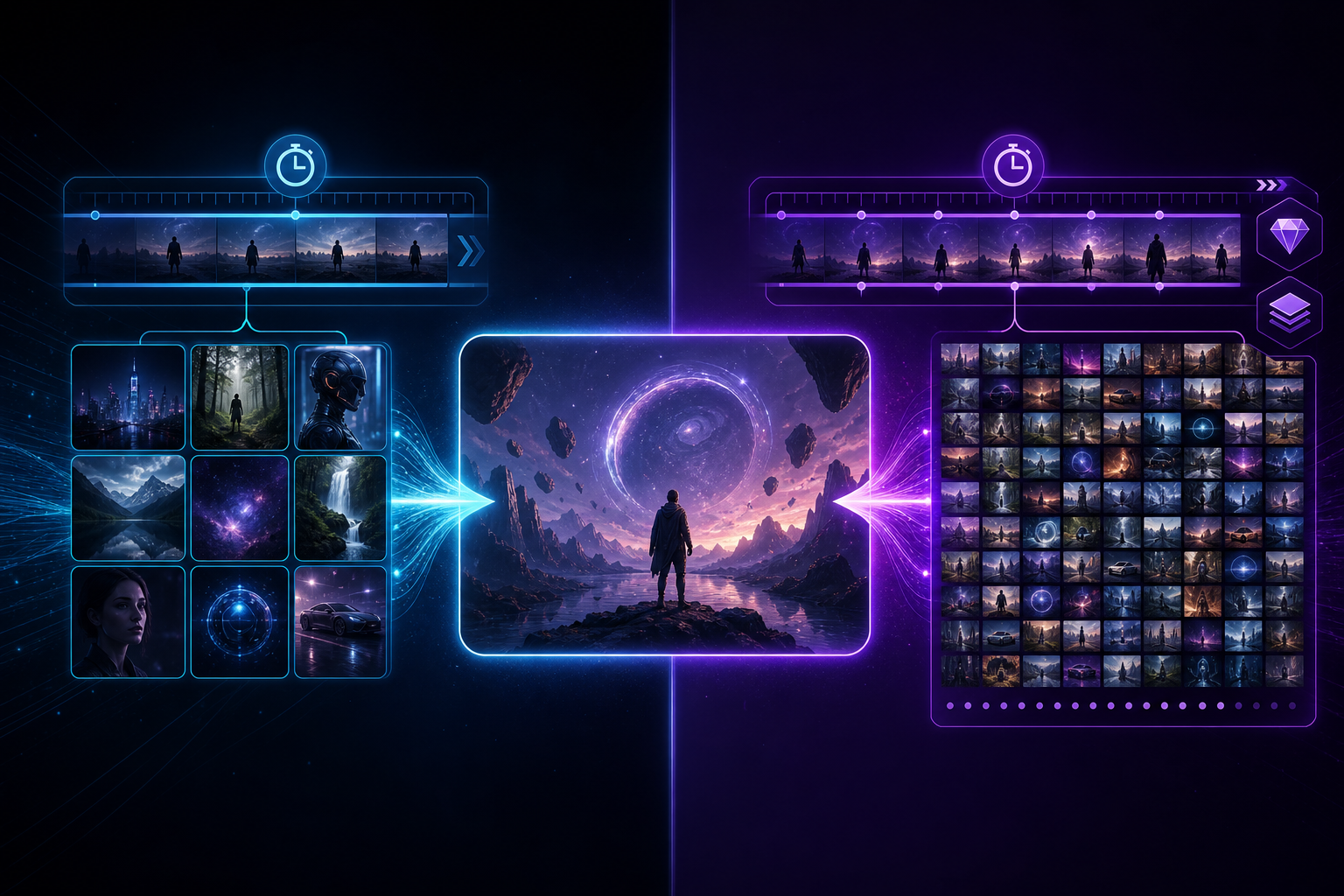
Creators searching for "Seedance vs Kling" or "Kling or Seedance" usually already know they want AI video — they are stuck on which toolchain fits delivery best. Kling is known for strong motion and eye-catching results; Seedance emphasizes multimodal references + director-style control + native audio-video sync. This article skips slogans and explains differences by selection criteria, with internal links to actionable product pages.
Start with Seedance product entry points: Seedance 2.0, Seedance 2.5, and AI Video Generator. For version differences, see the 2.0 vs 2.5 comparison.
At a Glance
- Seedance: More like a "director workbench" — constrain output with image/video/audio references; emphasizes control, consistency, and unified audio-video
- Kling: Often used as a "high-motion generator" — strong reputation for motion performance and viral-style visuals
- How to choose: Need character/product consistency + reproducible workflow → prioritize Seedance; want to validate eye-catching motion first → explore with Kling, then return to Seedance for controlled delivery
Dimension 1: Multimodal References & Consistency
One of Seedance 2.0's selling points is multimodal reference-driven creation: simultaneously reference images, video, audio, and natural language to keep character outfits, product appearance, and camera style more stable. E-commerce hero videos, brand character shorts, and short-drama storyboard previz all depend on "the same subject staying recognizable across repeated generations." If your pain point is "every generation looks like a different person," prioritize evaluating Seedance 2.0 and the multimodal director guide.
Kling also supports prompts and reference inputs, but public discussion more often centers on motion amplitude and shot impact. The two are not mutually exclusive: use Kling in exploration to find "how it moves," then use Seedance in finalization to lock subject and sound — a common combo.
Dimension 2: Director-Level Control vs. Random Outputs
Seedance advocates structured prompts with "scene + action + camera + lighting + sound effects," turning generation from luck into an iterative process. See the prompt engineering guide and complete getting started guide.
In Kling user communities, "surprise output" gets discussed more often. If your team needs reproducible version control for client review, Seedance's director narrative fits ad agencies and content factories better; if a personal account chases one viral motion clip, Kling's trial-and-error experience may feel more exciting.
Dimension 3: Native Audio-Video Sync
Seedance emphasizes joint generation of visual and audio streams at the model level, reducing the disconnect of "silent video first, then force-fit BGM." For voiceover, product unboxing, and rhythm-driven feed ads, unified audio-video directly lowers post-production cost. Audio capabilities in the Kling ecosystem are evolving too, but if your search intent clearly includes "native audio-video / audio-video sync," put Seedance on your must-test list.
Dimension 4: Duration, Specs & Generations
- Seedance 2.0 / Mini / Fast: Suited for ~15-second A/B testing, batch output, and cost-friendly capacity — see Mini and Fast
- Seedance 2.5: Targets longer native duration and higher delivery specs — see the 2.5 landing page
- Kling: Check max duration and resolution for your current product tier; when comparing, use the latest specs on both official sites to avoid citing outdated parameters
Scenario Selection Quick Reference
- E-commerce hero / brand character shorts: Prioritize Seedance (consistency + reproducibility)
- Feed ad multi-version A/B testing: Seedance Mini/Fast or 2.0 batch; parallel Kling for stronger motion impact when needed
- Short drama / storyboard previz: Seedance multimodal references better support "output aligned to the bible sheet"
- Personal entertainment / show-off shots: Either works; go with whichever prompt style you know best
Conclusion: Don't Ask Who's Stronger — Ask Who Fits Delivery
The essence of Seedance vs Kling is the path difference between a controllable production tool and a high-motion generation tool. For new projects: first run the "reference → prompt → audio-video output" loop with Seedance, then use Kling as a motion inspiration source as needed. Start now from Seedance 2.0 or the Seedance 2.0 topic hub, or read Seedance vs Runway for another common comparison.