
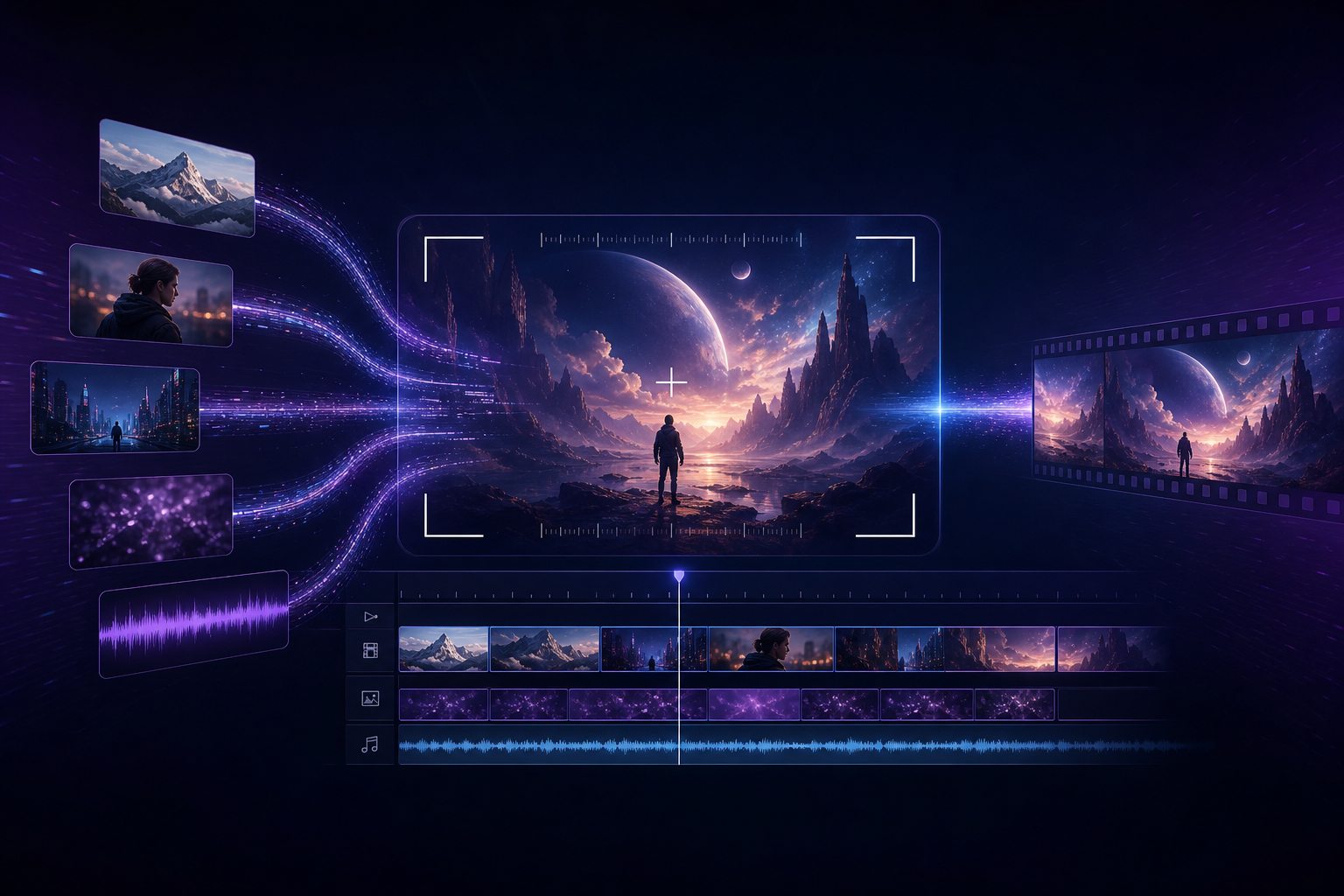
Agar aap "Seedance kaise use karein," "Seedance 2.0 tutorial," ya "AI video generation shuruat" search kar rahe hain, to goal aksar clear hota hai: Seedance se jaldi se pehla short video banayein jo clients/team ko dikhaya ja sake — random slot-machine generation par atke na rahein. Yeh article ek reproducible Seedance 2.0 beginner workflow deta hai aur batata hai kab Seedance 2.5 par upgrade karein.
Product entry points bookmark karein: Seedance 2.0, Seedance 2.5, aur AI Video Generator. Version differences ke liye 2.0 vs 2.5 comparison guide dekhein.
Beginners ko Seedance 2.0 se kyun shuru karna chahiye?
Seedance 2.0 ka core value "director-style AI video generation" hai: images, video, aur audio jaise multimodal references se character aur product lock karein, phir natural language se framing, camera movement, lighting, aur sound control karein, aur native audio-video sync jitna ho sake maintain karein. E-commerce hero videos, feed ad creative testing, aur short-drama storyboard previz ke liye yeh "ek baar flashy par reproduce na ho" se zyada important hai.
- Seedance: brand aur product umbrella — AI video creation toolchain
- Seedance 2.0: beginners ke liye full workflow run karne ke liye sabse suitable main generation (Mini / Fast cost aur speed tiers ke saath)
- Seedance 2.5: lamba native duration, bade-scale references, aur higher delivery specs — half-minute storytelling aur brand-grade final cuts ke liye
Shoot se pehle 15-minute prep checklist
Zyada tar "Seedance 2.0 results kharab hain" cases actually preparation gaps hain. Generate karne se pehle neeche ke 4 items complete karein — rework kaafi kam hoga.
- Delivery specs define karein: landscape 16:9 ya vertical 9:16? Target length lagbhag 8–15 seconds ya zyada?
- Subject reference images taiyar karein: 1–3 clear front-facing character ya product shots, clean backgrounds
- Style reference (optional): ek lighting/color-tone reference — conflicting style images ek saath na daalein
- Ek line mein goal likhein: jaise "white-background headphones 360° showcase + light electronic SFX" ya "café two-person dialogue over-the-shoulder shot"
Seedance 2.0 five-step workflow (reproducible)
Step 1: Sign in karke Seedance creation mein jayein
Is site ke entry point se Seedance app mein sign in karein. Beginners pehle Seedance 2.0 se poora loop complete karein. Budget-sensitive ho to Seedance 2.0 Mini bhi dekhein. Iteration speed bottleneck ho to Seedance 2.0 Fast dekhein.
Step 2: Multimodal references upload karein (pehle kam, baad mein zyada)
Seedance 2.0 image, video, aur audio references support karta hai. Pehle version restrained rakhein: "1 subject image + optional 1 style image" prioritize karein, subject stable hone ke baad camera-movement video ya audio rhythm references add karein. Full method multimodal director guide mein hai.
- Images: character identity, wardrobe, product appearance lock karein
- Video: motion range aur camera rhythm lock karein (version two mein add karein)
- Audio: mood aur beat timing lock karein (voiceover/product demos ke liye khaas upyogi)
Step 3: Director-level prompts likhein (five elements)
"Seedance prompts" ko executable instructions likhein, adjective piles nahi. Recommended structure: scene + action + camera + lighting + sound. Full templates Seedance 2.0 prompt engineering guide mein hain.
- Weak prompt: "ek accha product video banao" → model ke paas constraints nahi; results unstable
- Strong prompt: "pure white background, wireless earbuds slowly rotating 360°, medium shot dolly in to logo close-up, soft commercial photography lighting, subtle electronic SFX, vertical 9:16"
- Principle: reference images "kya dikhega" define karte hain; text "kaise shoot, move, aur sound" define karta hai
Step 4: Generate ke baad checklist se review karein
- Kya subject ab bhi wahi character/product hai (consistency)?
- Kya camera movement prompt se match karta hai (push, pull, pan, track)?
- Kya audio-video roughly sync mein hai — koi abrupt silence ya off-beat moments?
- Koi obvious limb distortion, garbled text, ya brand color drift?
- Kya yeh edit timeline mein jaane se pehle "draft ready for review" standard meet karta hai?
Step 5: Prompts incrementally tweak karein — start over na karein
Seedance 2.0 beginners ka sabse common waste: har failure ke baad bilkul naye prompts. Ek time par ek variable change karein — jaise sirf camera movement, ya sirf ek clearer subject image — phir compare karein. Isi tarah aap apne project ke liye kaam karne wale Seedance prompt assets build karte hain.
Teen copy-paste Seedance 2.0 scenario templates
Yeh templates keywords ko executable descriptions mein naturally weave karte hain — copy karke bracket placeholders replace karein. Aur industry scenarios industry applications guide mein hain.
- E-commerce hero: "pure white background, [product name] slowly rotating 360°, medium dolly in to logo close-up, soft commercial lighting, light electronic SFX, 15-second vertical"
- Feed ad: "city night shallow depth of field, [character setup] looks at camera smiling and nodding, shoulder close-up slowly pushing in, neon reflection highlights, upbeat rhythm SFX"
- Short-drama previz: "retro café, male and female leads seated across from each other, alternating over-the-shoulder shots, shallow depth of field, warm tungsten light, low-voice dialogue + espresso machine steam ambience"
Seedance 2.0 se Seedance 2.5 par kab upgrade karein?
Pehle Seedance 2.0 se creative direction aur subject consistency validate karein. Jab aapko yeh chahiye, tab Seedance 2.5 evaluate karein:
- Lagbhag half minute ki continuous native storytelling chahiye, multi-clip stitching nahi
- Bahut saare reference assets (character sheets, scene boards, camera boards, audio tracks) — bade-scale multimodal input chahiye
- Resolution, color depth, aur brand-grade grading headroom ke liye higher delivery requirements
- Clients explicitly "long-take one-shot" feel chahte hain
Upgrade se pehle Seedance 2.5 landing page aur 2.5 launch breakdown padhein — creative direction lock hone se pehle high-tier quota na jalayein.
Beginner pitfalls: paanch aadatein jo Seedance results aur final quality ko nuksan pahunchati hain
- Sirf text, koi subject reference nahi, par "absolute character consistency" demand
- Ek saath conflicting style references stack karna
- Prompts sirf mood words se bhare, camera ya sound instructions nahi
- Checklist ke bina generate spam — costs badhen, learning zero ho jaye
- Har project Seedance 2.5 par force karna, 2.0 / Mini / Fast ke cost aur speed advantages ignore karna
Agle steps: learning path (internal link map)
- Systematic intro: Seedance Complete Guide
- Prompt depth: Prompt Engineering
- Competitor comparisons: vs Kling, vs Runway
- Topic hub: Seedance 2.0 Hub
Conclusion: luck se nahi, workflow se Seedance chalayein
Seedance 2.0 AI video generation ka default workbench accha kaam karta hai: references taiyar karein, five-element prompts likhein, checklist se review karein, chhote steps mein iterate karein. Jab sach mein lamba duration aur higher specs chahiye, tab Seedance 2.5 par jayein. Abhi Seedance 2.0 ya AI video generator entry se shuru karke apna pehla deliverable short ship karein.