
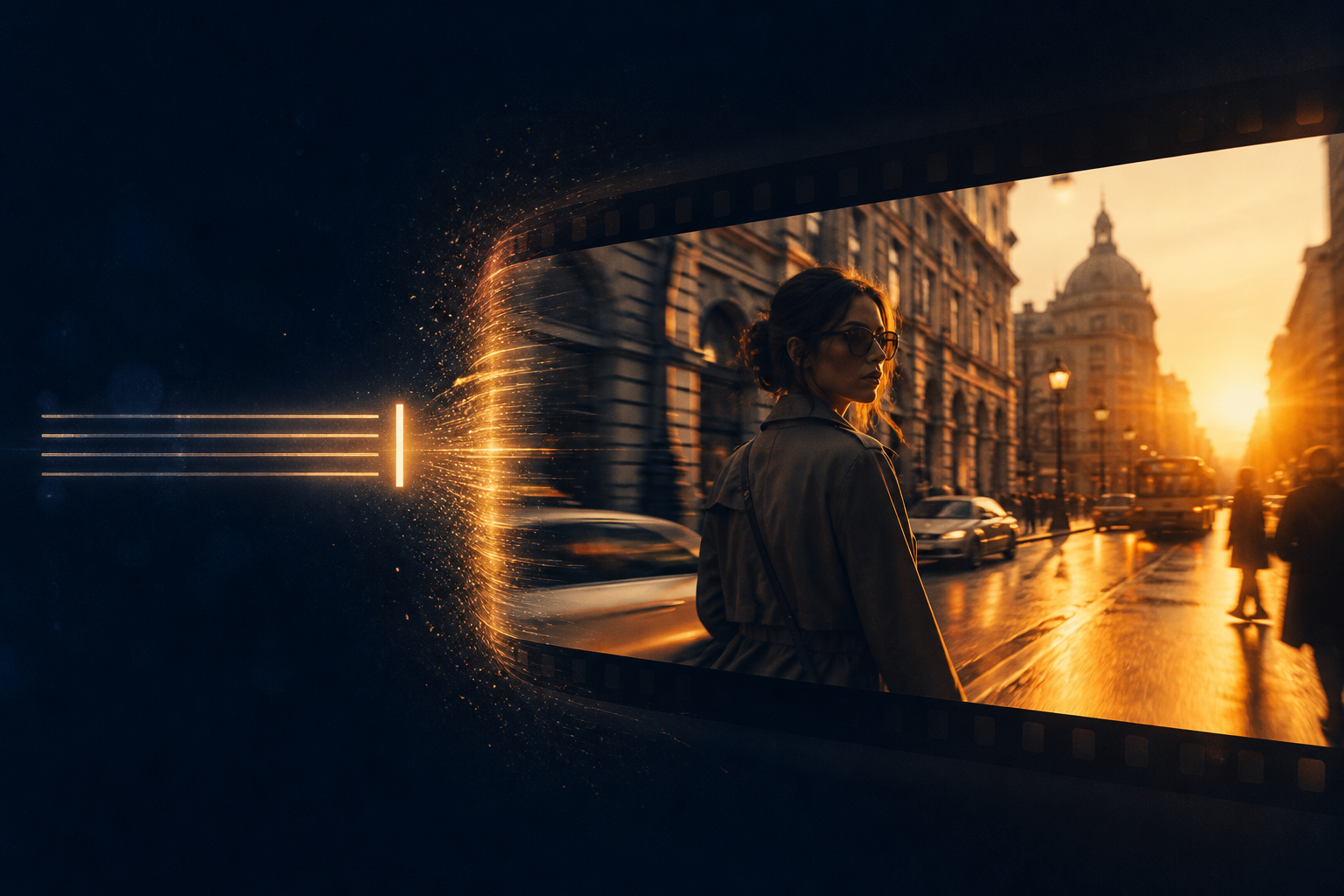
Creators searching for “Seedance text to video,” “Seedance 2.0 text-to-video prompts,” or “how to write Seedance AI video prompts” often hit the same wall: frames appear, but the subject drifts, the camera wanders, and audio feels pasted on. This guide turns Seedance, Seedance 2.0, and Seedance 2.5 text-to-video into an acceptance-ready workflow—from one prompt to an ad-ready short—so you waste fewer regenerations.
Related hubs: Seedance 2.0 · Seedance 2.5 · AI Video Generator · Image-to-Video Guide · What Is Seedance
Why “Seedance text to video” is a high-intent search?
Text-to-video is how most people first meet Seedance: no product still or character card yet, so every scene, person, and move must be stated in words. Seedance 2.0 emphasizes director-level control, multimodal references, and native audio-video sync—so text-to-video is not “type a pretty sentence and hope.” It is a director’s brief you can execute. Understanding that improves finish quality and conversion for queries around Seedance 2.0 and Seedance 2.5 far more than stacking decorative adjectives.
- Fast ideation: explore storyboard, style, and narrative hooks without a reference image
- Reusable prompts: one five-element template can batch-swap offers, seasons, and audiences
- Complements image-to-video: text sets direction; image locks look—commercial pipelines often use both
Text-to-video vs image-to-video: how to choose in Seedance
Many users search “Seedance text to video” and “Seedance image to video” together. Choose by asset state: zero-shot brainstorming, brand concept films, and short-drama previz favor text-to-video; compliant hero images, character sheets, or pack stills favor image-to-video. For the full image path, see the Seedance 2.0 Image-to-Video Guide.
- Choose text-to-video: no stable visual asset yet; you need framing, light, camera, and soundscape first
- Choose image-to-video: you must protect Logo, SKU appearance, or the same face across shots
- Hybrid: text-to-video until a key frame works → grab a still as reference → image-to-video to lock consistency
- Upgrade to 2.5: evaluate Seedance 2.5 when you need longer continuous narrative, more reference lanes, or 4K delivery
Seedance 2.0 text-to-video: three prompt layers
Layer 1: subject and world (required)
Without a reference image, the prompt must open with who/what sits in which space—age and wardrobe, product material and color, time of day and lighting. Put identifying traits first, mood second. Otherwise Seedance 2.0 invents a “close enough” world, and no camera polish will fix subject drift.
Layer 2: action and camera (strongly recommended)
- Subject action: push one clear action only (slow approach / raise to show / gentle product spin)
- Camera language: use executable terms such as dolly in, orbit, crane up (see the camera movement guide)
- Pacing: state “establish subject in first 2s, complete action mid-shot, land on offer close-up”
Layer 3: audio and delivery specs (must-have for ads)
Add room tone, action SFX, or a light bed, plus 9:16 vertical / 16:9 landscape, target duration, and use case (first 3s of feed, ecommerce loop, brand mood). Seedance native audio-video sync reduces “silent plate then slap on BGM” rework; for voice slots, see the audio sync guide.
A repeatable Seedance text-to-video workflow (6 steps)
- Define the shot goal: offer reveal, character entrance, mood set, or concept explore?
- Write a five-element prompt as subject/world → action/camera → audio/specs; subject sentence first
- Pick only 1 primary move + 1 primary action; avoid stacking push, pan, cut, and explosion FX in one line
- Generate 1–2 tests on Seedance 2.0 (or Fast) and note which phrases actually land
- Watch/listen against the checklist; on failure change one layer only (subject or camera), never everything
- Once the template is stable, batch-swap copy offers; upgrade to Seedance 2.5 only for longer narrative or heavier references
Text-to-video acceptance checklist
- Can you recognize the subject (person/product/space) in the first 1–2 seconds?
- Does the primary action complete cleanly without mid-shot morph, clipping, or identity drift?
- Does the camera serve the offer instead of wandering?
- Does audio roughly hit action/push accents without a harsh noise wall?
- Do aspect ratio and duration match the placement; do loop joints feel harsh?
Four high-yield Seedance 2.0 text-to-video templates
- Ecommerce offer reveal: “Silver brushed-metal headphones on a light-gray table, soft commercial top light; mid-shot slow dolly in to the Logo, light electronic bed, short electronic sting on close-up; vertical 9:16, ~8s, feed hook for the first 3 seconds.”
- Brand mood film: “Young woman in a linen jacket walking a dusk coastal boardwalk, golden backlight; slow lateral tracking, light sea-wind ambience, no noisy crowd; landscape 16:9, ~12s, end on silhouette.”
- Short-drama entrance: “Same black-haired young man pushes open a rainy-night café door, warm interior vs cool street light; slight handheld follow-in, foot-splash and short doorbell; keep the same face and same deep-blue jacket.”
- Concept explore test: “Futuristic city overpass at night, neon reflections on wet asphalt; slow crane up, low synth bed; landscape ~10s for style direction only—no complex lip sync.”
How to pick a text-to-video strategy by scenario
- Ecommerce / feed: text-to-video to probe framing and hooks, then image-to-video to lock SKU—see the ecommerce product video guide
- Ad creative testing: keep one offer, swap three subject/camera templates; use Seedance 2.0 Fast to cut iteration cost
- Short drama / narrative previz: text-to-video for scene and entrance, then character-consistency workflow for faces (see the character consistency guide)
- Brand half-minute narrative: stabilize a single-shot text template, then evaluate Seedance 2.5 for longer continuous delivery
When does text-to-video need Seedance 2.5?
Most 8–15s single-shot text tests and feed films are most cost-effective on Seedance 2.0 (including Fast tests and Mini batching). Move the same prompt template to Seedance 2.5 when you need longer continuous shots, more parallel multimodal references, or 4K / high-spec delivery.
- Near-30s continuous narrative in one pass, less multi-clip splicing and re-sync
- Multiple reference lanes (look + camera + audio style) with complex blocking at once
- Brand TVC / standard ad units needing higher resolution and steadier long takes
- Same character must hold look, action, and audio rhythm across a longer duration
See version differences in the 2.0 vs 2.5 comparison and the Seedance 2.5 product page. Rule of thumb: lock the text-to-video template on 2.0 first, then upgrade by duration and reference complexity—do not start every experiment on the highest tier.
Common text-to-video failure modes
- Prompts are only adjective stacks with no identifiable subject or space
- One line demands “epic camera + hard action + complex lip sync + multi-SKU close-ups,” so nothing stays primary
- No audio or aspect ratio written, so the cut cannot enter placement QA
- After a miss, ten edits at once—you never learn which phrase worked
- You needed image-to-video to lock Logo/SKU but stayed pure text-to-video and let brand look drift
Further reading
- Beginner workflow: How to use Seedance 2.0
- Prompt deep dive: Prompt engineering guide
- Image complement: Image-to-video guide
- Brand overview: What is Seedance
Conclusion
Treat Seedance 2.0 text-to-video as a reusable director-prompt production line: put subject and world first, control one action/camera at a time, add audio and delivery specs, and accept with a checklist. Lock single-shot templates on Seedance 2.0, then upgrade to Seedance 2.5 when duration and reference complexity demand it. When ready, open Seedance 2.0 and start your next AI video with one five-element prompt.