
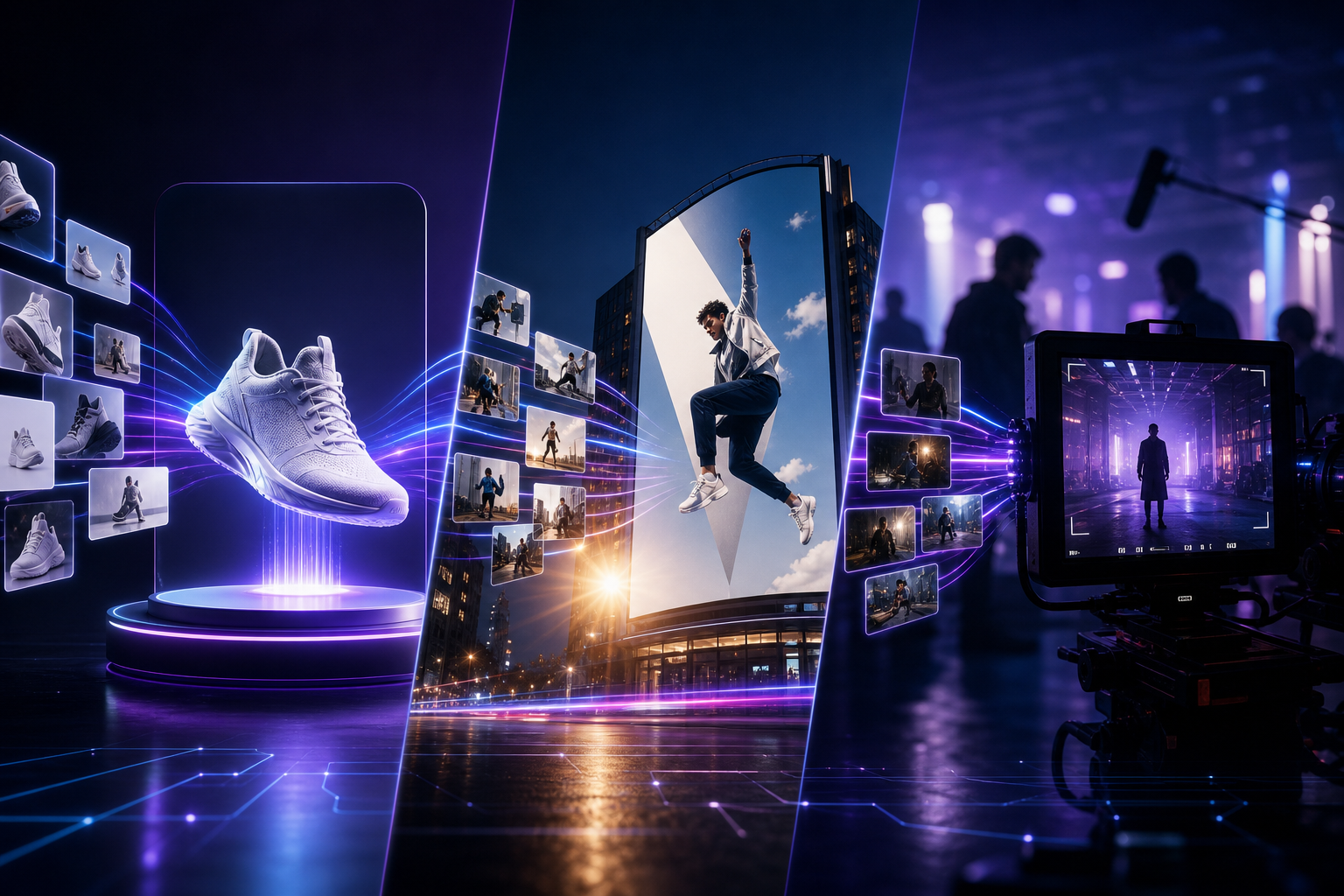
Ops and ad teams searching for "Seedance e-commerce video," "Seedance 2.0 hero video," or "AI product short video" usually don't want random flashy shots — they want reproducible, batchable, ad-ready product deliverables. This article outlines a Seedance 2.0 production workflow for e-commerce scenarios, and explains when to bring in Seedance 2.5 for longer duration and higher specs.
Product entry points: Seedance 2.0 · Seedance 2.5 · AI Video Generator. For product shape drift issues, see Character & Product Consistency in Practice.
Why Is E-Commerce a Good Fit for Seedance Instead of Live-Action Only?
Seedance as an AI video generation tool can standardize high-frequency e-commerce shots like "white-background rotation, selling-point close-ups, lifestyle scene seeding." Compared to pure live-action, Seedance 2.0 advantages include: multimodal references to lock packaging appearance, director prompts to control camera movement, and native audio-visual sync to reduce post-production audio patching. For teams with many SKUs and fast variant testing, this is often more controllable than one-off studio costs.
- Hero / detail short videos: white or light-background product display, emphasizing shape and Logo
- Feed ads: grab attention in the first 3 seconds + selling-point close-ups + light rhythmic sound
- Campaign page mood videos: holiday lighting and lifestyle seeding, while keeping the product recognizable
- Multi-language ad assets: same product reference, swap prompt scenes and subtitle strategies (localize copy outside the deliverable)
E-Commerce Asset Checklist Before Shooting
- High-res front-facing product image (primary reference), clean background, no heavy filters
- Optional: packaging close-up / color swatch to lock brand colors and Logo area
- Clear specs: vertical 9:16 (feed) or horizontal 16:9 (detail / store)
- One-line selling point: e.g. "noise cancellation," "fast charging," "ultra-thin" — write into prompt actions and close-ups
- Compliance boundaries: no medical or absolute efficacy claims; Seedance output still requires manual review of copy and visuals
Five-Step Seedance 2.0 E-Commerce Production Workflow
Step 1: Lock "What You're Selling" with Product Images
First rule of e-commerce video: product shape must not drift. Upload a clear front-facing image as the primary reference in Seedance 2.0, and state in the prompt "strictly maintain the same product appearance and packaging as the reference image." See the Consistency Guide and Multimodal Director Guide for detailed techniques.
Step 2: Lock "How to Shoot" with Five-Element Prompts
Structure remains: scene + action + camera movement + lighting + sound. In e-commerce, prioritize "recognizable" over "overly artistic." Template library: Prompt Engineering.
- Weak: "Make a nice headphone ad" → product and shots unconstrained
- Strong: "Strictly maintain the same wireless earphones as the reference; slow 360° rotation on pure white background, medium shot dolly in to Logo close-up, soft commercial lighting, light electronic sound, vertical 15 seconds"
Step 3: Complete "Audible Drafts" with Native Sound
Seedance 2.0 emphasizes native audio-visual sync. During e-commerce variant testing, first use light electronic tones, unboxing soft sounds, or clean ambient audio to produce "reviewable drafts with sound," then decide whether to replace brand BGM in editing software. This gets you into ad review faster than "silent footage + hard post-sync."
Step 4: Accept Against the Ad Placement Checklist
- Is the product still instantly recognizable (silhouette, color, Logo)?
- Does the subject appear in the first 3 seconds (key for feed completion rate)?
- Any garbled text, wrong brand names, or exaggerated non-compliant claim visuals?
- Is audio-visual roughly aligned, any abrupt silence?
- Does it meet "ready for A/B testing" rather than "just for social sharing" standard?
Step 5: Use Mini / Fast to Control Costs During Batch Variant Testing
When testing 5–10 shot languages for the same product, use Seedance 2.0 Mini to control costs and Seedance 2.0 Fast for faster previews; after finalizing, output with standard Seedance 2.0 or higher specs.
Four Ready-to-Use E-Commerce Prompt Templates
- White-background rotation hero: "Strictly maintain the same [product] as the reference; pure white background 360° slow spin, medium shot dolly in to packaging Logo, commercial soft light, light electronic sound, 9:16"
- Selling-point close-up: "Same [product]; push from full view to [selling-point area] close-up, shallow depth of field, clean surface, light tap / electronic cue sound"
- Lifestyle seeding: "Same [product] placed in [usage scene], hand naturally picks up to display, slow follow shot, soft window light, very low ambient lifestyle noise"
- Unboxing feel: "Same packaging box opens to reveal product, overhead to side angle, soft light no cluttered background, cardboard soft sound + short electronic outro"
When Should E-Commerce Projects Move to Seedance 2.5?
Most hero images and 15-second feed ads can use Seedance 2.0. Evaluate Seedance 2.5 when you need:
- Near half-minute continuous brand narrative, not multi-segment stitching
- Large reference input at once (multi-SKU color swatches, scene boards, camera movement clips, audio tracks)
- Clear delivery requirements for 4K / color depth and grading headroom
- Major promo hero video requiring "one deliverable tells the whole story"
Selection details: 2.0 vs 2.5 Comparison and Seedance 2.5 Landing Page.
E-Commerce Team Collaboration Tips
- Design provides "primary reference image specs" (resolution, angle, no beauty filters)
- Ops provides "one-line selling point + prohibited claims list" written into prompt constraints
- Ad team defines acceptance standard: "subject must appear in first 3 seconds"
- Archive reusable Seedance prompts and reference packs by category
- Change only one variable per round (background / camera / sound), otherwise variant test results can't be attributed
Common Failure Reasons
- Using detail-page collages or watermarked images as reference, polluting product edges
- Prompt asks for "luxury blockbuster" causing product to be drowned by scene
- Stuffing multiple competitor product images at once, Seedance 2.0 can't lock a single SKU
- Deploying without reviewing Logo/text, resulting in garbled or wrong brand elements
- Switching entirely to Seedance 2.5 before finalizing, wasting high-spec quota on variant testing
Further Reading
- Beginner full workflow: How to Use Seedance 2.0
- Industry scenarios: Industry Applications Guide
- Topic Hub: Seedance 2.0
- Getting started: Complete Guide
Conclusion
What e-commerce needs from Seedance deliverables is recognizable product, reproducible shots, batchable variant testing. Use Seedance 2.0 to run "reference lock → five-element prompts → sound review → Mini/Fast variant testing"; upgrade to Seedance 2.5 when brand long-form narrative and high-spec delivery appear. Start now from Seedance 2.0 or AI video generation, and produce 3 comparable ad assets from the same hero image.