
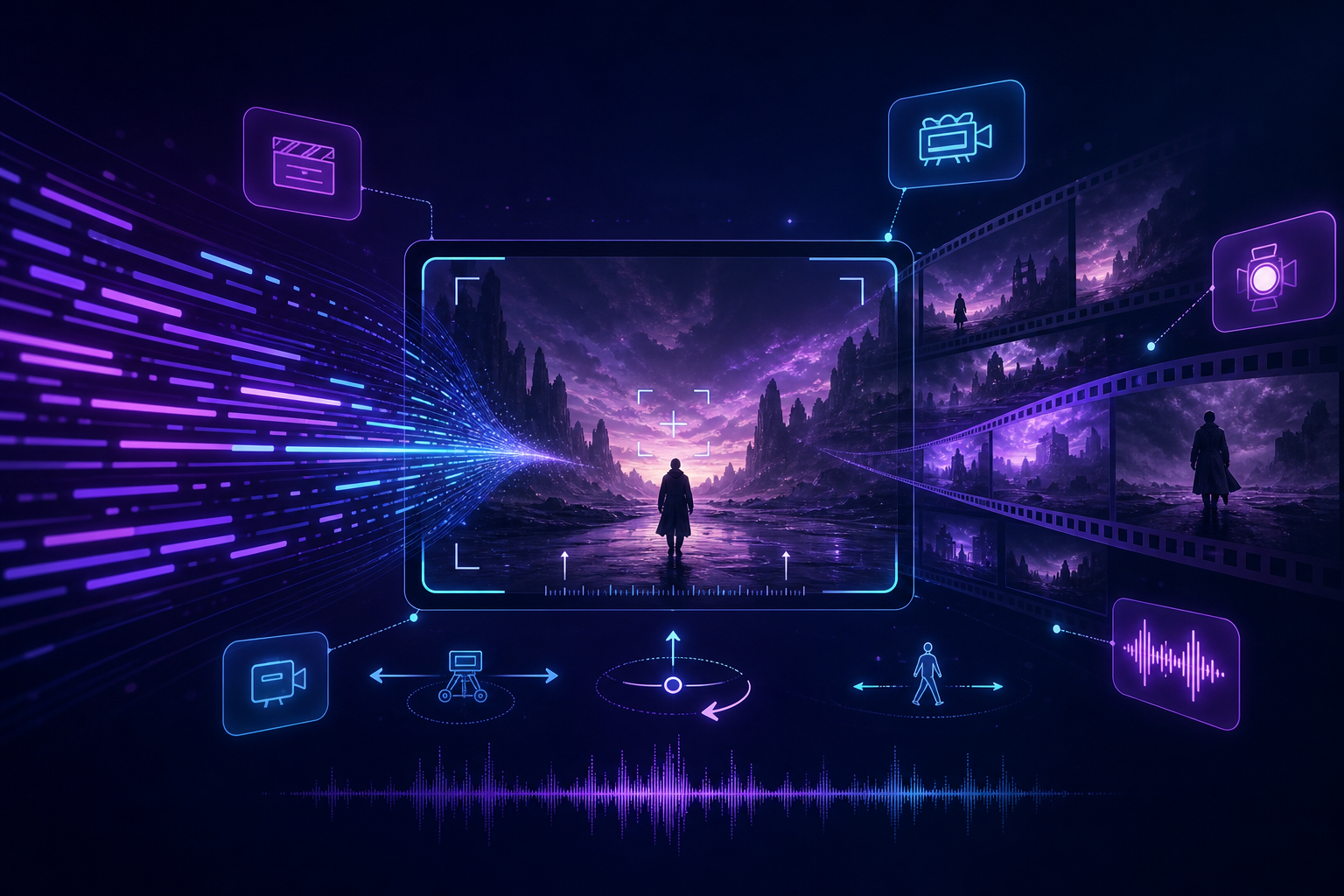
«Seedance 2.0 image to video», «Seedance Image to Video», «AI image to video» खोजने वाले creators के पास अक्सर product shot, character sheet या poster होता है, लेकिन «चलने के बाद original जैसा नहीं» पर अटक जाते हैं। यह लेख Seedance की image-to-video क्षमता को executable workflow में तोड़ता है, Seedance 2.0 से single image से stable output देता है, और Seedance 2.5 में अपग्रेड का समय स्पष्ट करता है।
संबंधित प्रवेश: Seedance 2.0 · Seedance 2.5 · AI Video Generator। प्रॉम्प्ट संरचना: Prompt Engineering गाइड, consistency: कैरेक्टर और प्रोडक्ट Consistency प्रैक्टिस।
Seedance search में image-to-video high-frequency demand क्यों है?
Text-to-video zero से explore करने के लिए अच्छा है; commercial delivery का common path: hero image, static frame या character card है, फिर short video चाहिए। Seedance 2.0 director-level control और multimodal reference पर जोर देता है; image-to-video «static asset» से «deployable motion» का shortest path है — e-commerce hero motion, brand mood, short drama character entry, ad previz — same method।
- Asset reuse: एक licensed product image → कई feed videos
- Brand control: appearance, Logo, palette reference पर anchor — कम random face/product swap
- Faster iteration: पहले Seedance 2.0 Fast से motion test, फिर final render
Image-to-video से पहले: stable reference image कैसे चुनें?
Seedance में reference quality लगभग ceiling तय करती है। Upload से पहले यह checklist:
- Clear subject: face/product frame में पर्याप्त हिस्सा, कम occlusion और overexposure
- Composition with margin: camera movement के लिए जगह (push-in को crop edges चाहिए, orbit को side info)
- Unified style: clean lighting और background; cluttered scene motion artifacts बढ़ाता है
- Rights clear: commercial use के लिए license; watermark model की subject understanding में बाधा
- Enough resolution: heavily compressed blurry images motion में edges पर टूटती हैं
Seedance 2.0 Image to Video: तीन-स्तरीय prompt लेखन
स्तर 1: subject lock (अनिवार्य)
स्पष्ट लिखें «reference image का same product/same character strictly maintain», फिर key identifiers (color, material, Logo position)। इसके बिना model «similar object» दे सकता है, आपका SKU नहीं।
स्तर 2: action और camera movement (strongly recommended)
- Subject action: slow rotate / gently pick up / smile nod (एक बार में एक primary action)
- Camera movement: dolly in, orbit, light follow (terms और wording: Camera Movement गाइड)
- Speed और start/end: medium shot से Logo close-up; «cinematic» जैसे empty words avoid करें
स्तर 3: sound और delivery spec (deployment के लिए)
Light ambient, short electronic outro, aspect ratio (vertical 9:16 या horizontal 16:9), target duration add करें। Seedance native audio-visual sync post-production में lip-sync और beat manual alignment कम करता है।
Reproducible Seedance image-to-video workflow (6 steps)
- 1 main reference + (optional) 1 camera movement reference video चुनें
- Shot purpose स्पष्ट करें: shape show, USP reveal, या character entry?
- Five-element prompt: «consistency sentence» सबसे पहले, फिर action और camera
- पहले Fast से 2–3 tests, केवल एक variable (action या camera) बदलें
- नीचे checklist से accept; pass के बाद final resolution
- Same subject पर A/B: push-in vs orbit — feed के पहले 3 seconds के लिए best version
Image-to-video acceptance checklist
- Still frame पर reference जैसा दिखता है? (Logo, proportions, material)
- Motion में «face/product swap», limb distortion या product deformation?
- Camera movement prompt match करता है, meaningless shake नहीं?
- पहले 3 seconds में subject readable? (feed deployment critical)
- Audio-visual rhythm roughly aligned, harsh noise नहीं?
चार high-utility Seedance 2.0 image-to-video templates
- E-commerce hero motion: «Reference image का same product strictly maintain; pure white background, medium shot, slow orbit 120°, soft commercial light, light electronic sound, vertical»
- USP push-in: «Same product on table, waist shot से slow dolly in to Logo close-up, clean highlights, no cluttered reflections»
- Character entry: «Same reference character standing smile, slight nod, camera slowly pushes above shoulders, natural window light, light urban ambient»
- Poster mood: «Poster composition और subject strictly maintain; slow pull-back reveals environment, warm light, light mood bed, horizontal»
Scenario के अनुसार image-to-video strategy कैसे चुनें?
- E-commerce / feed: single product white या clean background + push-in/orbit; देखें E-commerce Product Video गाइड
- Brand ad previz: key visual + restrained camera movement; पहले mood, फिर action
- Short drama character card: turn-around या makeup ref + minimal expression action, priority consistency
- Teaching demo assist: UI/physical image + light push-in, subject centered
Image-to-video को Seedance 2.5 कब चाहिए?
ज्यादातर 8–15 sec single-shot image-to-video Seedance 2.0 (Fast testing, Mini cost control) से enough। Seedance 2.5 evaluate करें जब:
- Longer continuous shot में reference appearance और complex camera movement simultaneously stable चाहिए
- Multiple character/scene/product refs simultaneously strong constraints
- Brand film ~30 sec narrative, multiple blocking moves, less splice feel
- 4K, color grading और delivery spec पर higher standards
Version differences: 2.0 vs 2.5 comparison और Seedance 2.5 landing page। Multimodal combos: Multimodal Director गाइड।
Common image-to-video failure reasons
- Reference में subject too small या blurry — model «क्या lock करना» नहीं जानता
- Prompt में सिर्फ «make it move» या «cinematic», action और camera verbs नहीं
- एक prompt में multiple conflicting motions — appearance और motion दोनों lost
- पहले flashy, consistency sentence और checklist skip — «बहुत move लेकिन हमारा product नहीं»
- Variables fix किए बिना continuous reroll — reusable Seedance image-to-video phrasing नहीं बनती
Further reading
- Beginner workflow: Seedance 2.0 कैसे use करें
- Topic hub: Seedance 2.0 Hub
- Systematic start: Complete Beginner गाइड
- Competitor comparison: vs Kling · vs Runway
Conclusion
Seedance 2.0 image-to-video को «static asset production line» बनाने की keys: right reference, consistency prompt के front में, एक बार में एक primary action/camera movement, checklist acceptance। पहले 2.0 पर single-shot templates lock करें, फिर duration और reference scale के अनुसार Seedance 2.5 upgrade। अभी Seedance 2.0 या AI Video Generator से start करें, same product image पर push-in और orbit back-to-back test करें।